
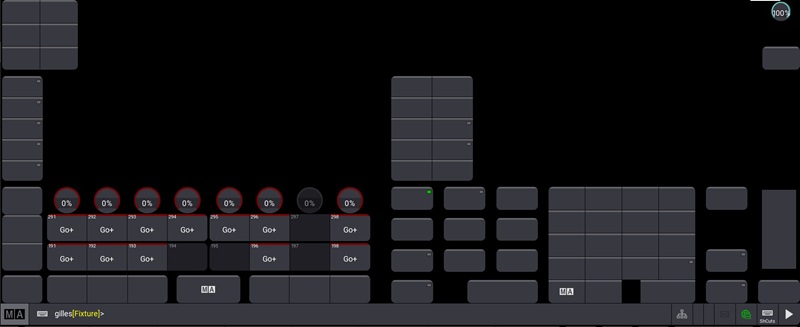
First, the solution:
Click the Windows icon in the lower left corner -> “All Apps” -> “MA Lighting” -> “grandMA3 onPC 2.3.2.0 Clean Start” to run the cleanup program and restore MA3 to factory settings, This should basically solve the problem.
If it doesn’t solve the issue, the possible problems are:
1: The computer configuration is insufficient, you can try other versions to see.
2: The graphics card driver has not been updated.
Official MA3 forum solution:
https://forum.malighting.com/forum/thread/68861-display-problems/?postID=82805&highlight=clean%2Bstart#post82805
https://forum.malighting.com/forum/thread/69388-gma-version-2-3-0-4-or-higer-is-instaled-bat-doesn-t-work/?postID=85066&highlight=clean%2Bstart#post85066