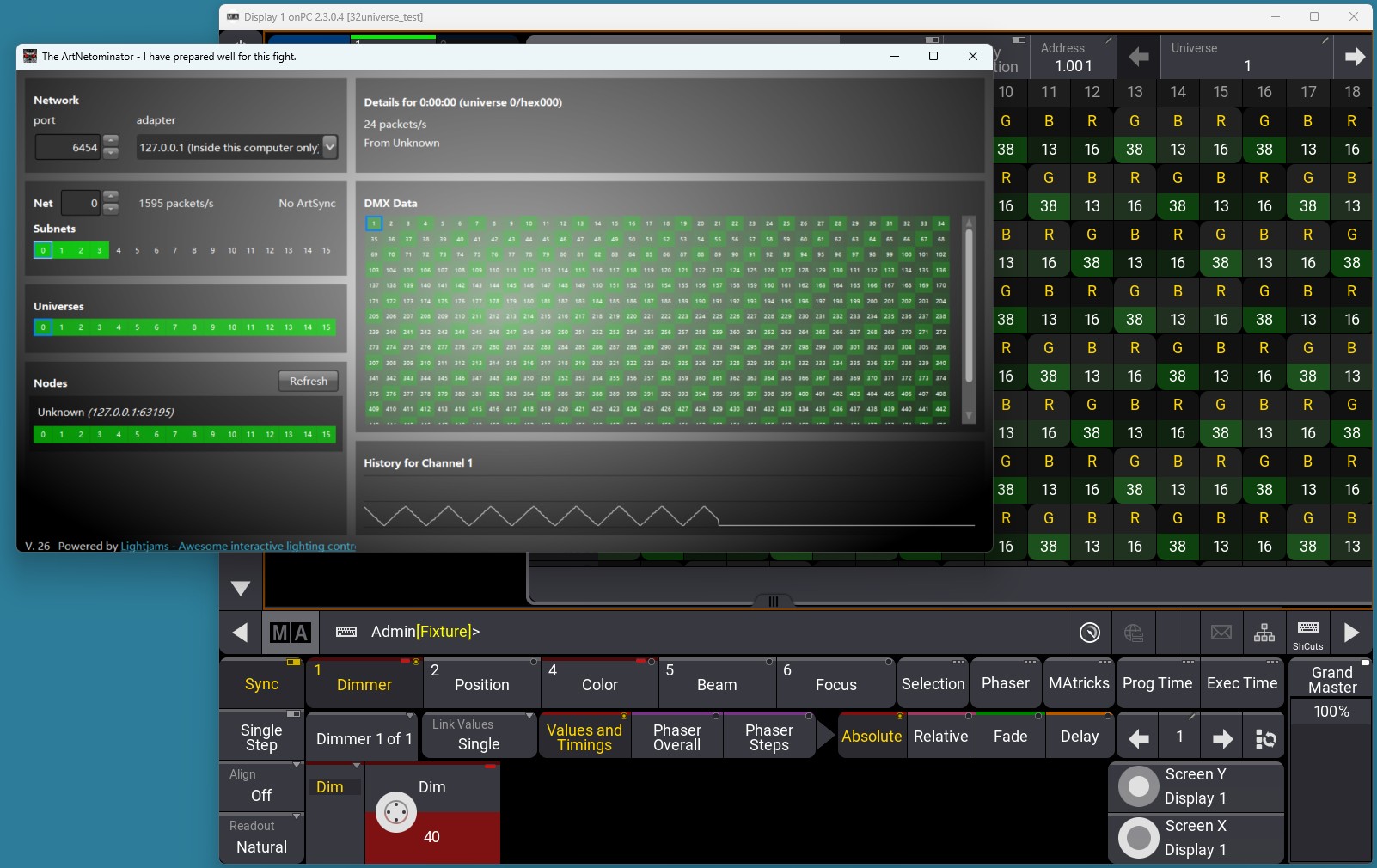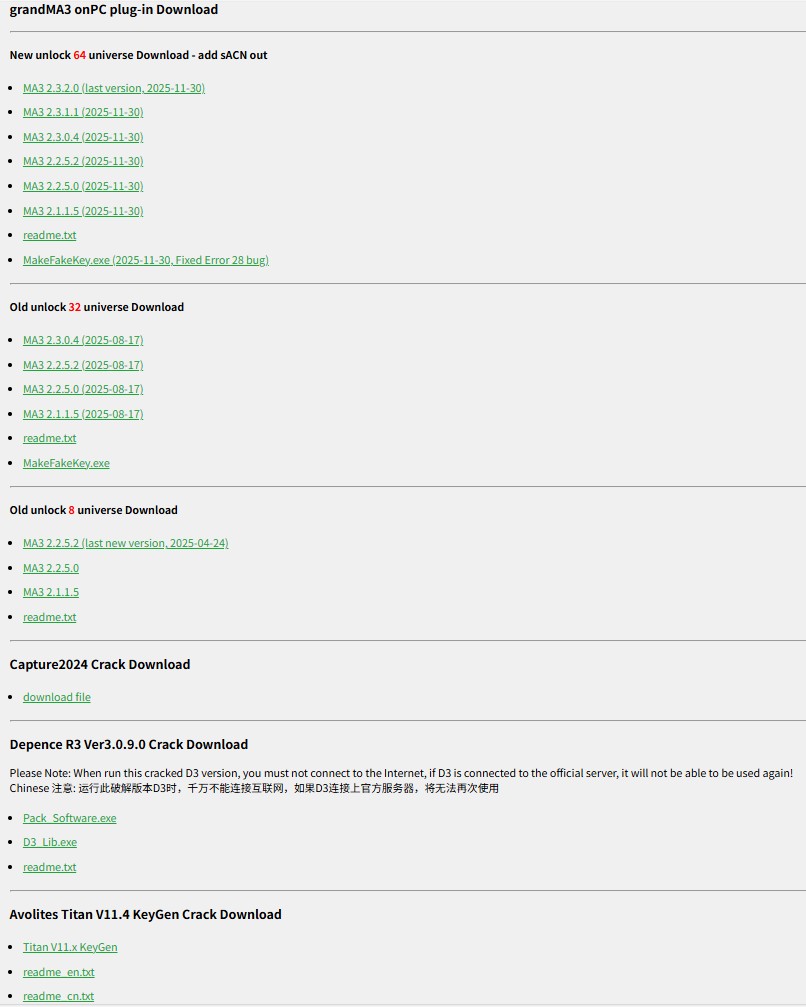
Quick Setup for MA3 64-Universe Unlock:
1: Run MakeFakeKey.exe → Click GetKey → DownLink → Download the plugin (supports all MA3 versions, including the latest version).
2: After extraction, copy both files to the MA3 directory (C:\Program Files\MALightingTechnology\gma3_x.x.x\bin) → Add them to your antivirus whitelist.
3: Launch MA3 – No configuration is needed! For Session IP, prefer 127.0.0.1, but avoid selecting the box’s network card IP.
Download MakeFakeKey.exe here:
http://down.hahan123.com/down_server/SuperLightBox/grandMA3_onPC/
Video Tutorial:
http://hahan123.com/2025/12/26/how-to-unlock-64-universe-on-ma3-video-tutorial/
Note:
SL04 Box DMX out have photoelectric isolation, TVS, PTC protection, if MA session IP not set to 127.0.0.1, then maybe cause dropouts, please visit why do this: http://hahan123.com/2025/12/25/ma2-settings-how-to-solve-the-problem-of-lights-occasionally-flickering-video/
By the way, if the box’s firmware is below V6.3, we recommend connecting to the computer via the LAN port. After V6.3, the occasional USB network card blockage issue was fixed.
Also, please waiting, we have already completed 80% of the self-upgrade firmware program, when it’s ready, you will be able to upgrade the firmware to 6.5 yourself. Firmware 6.5 has fixed all bugs, including the occasional blockage of the USB network card, flashing issues when connecting the Avolite Titan hardware console, UDP call problems, and the issue where modifying Artnet text would retain the old text.
Please be patient, everyone. After all, writing this the self-upgrade firmware program code takes a lot of time and effort, but it will be released very soon.